
Website Accessibility for Users with Speech Disabilities

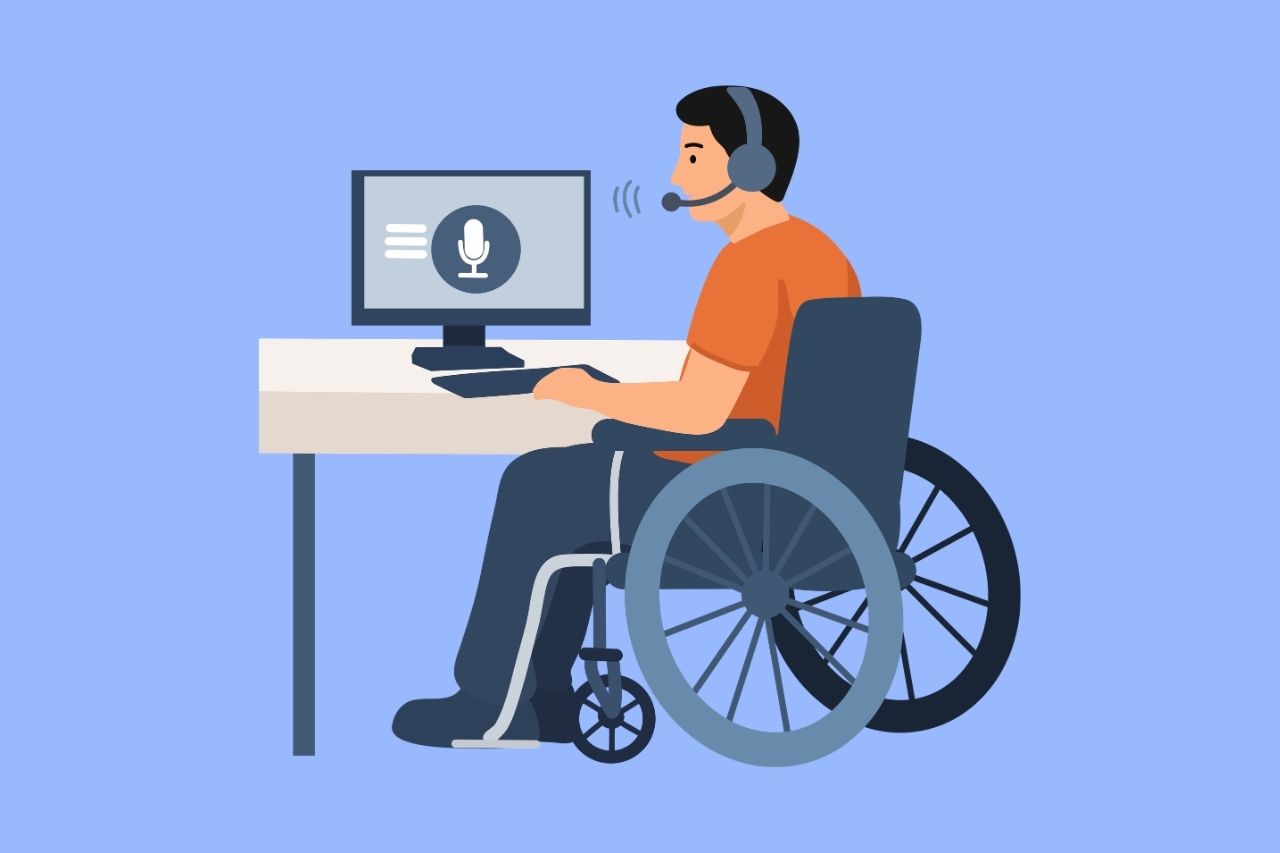
Speech disabilities affect a person’s ability to physically produce spoken language, and they take many forms, from stuttering and apraxia to dysarthria and conditions that result in little or no speech at all. As more websites lean on voice search, voice assistants, and voice-activated support tools, understanding how these disabilities affect web use has become more important, not less. This page covers why website accessibility matters for this group, how these disabilities affect web interactions, common barriers, the assistive technologies people rely on, and the WCAG guidance that applies.
Why Website Accessibility Matters for People with Speech Disabilities
Digital accessibility conversations often focus on reading and navigating a page, but for people with speech disabilities, the barrier is frequently about inputting information, not consuming it. As voice-based tools are added to websites under the banner of convenience or innovation, they can unintentionally exclude the very users these disabilities affect, turning a feature meant to help everyone into a barrier for a specific group. Ensuring a non-voice path exists for every voice-dependent feature is what keeps accessibility gains for one group from becoming setbacks for another.
How Speech Disabilities Affect Website Use
It’s worth distinguishing a speech disability from a cognitive disability. A speech disability affects the physical production of speech, not comprehension or the ability to process language. Someone with a stutter, for example, understands language fully and knows exactly what they want to say. The difficulty is producing it fluently, especially under the time pressure that voice-based interfaces often impose. This distinction matters for web design, because it points to a different kind of fix: dropping the assumption that speech is the only valid way to communicate with a site.
Common Accessibility Barriers on Websites
Most of these barriers share a common root: accessible web design was treated as an afterthought rather than a foundation, so voice was added as a convenient feature for everyone without considering that it could exclude some users entirely. The examples below reflect the most frequent ways this assumption shows up in practice.
Voice-Only Search or Navigation
Websites that offer voice search or voice-controlled navigation as the only way to interact with certain features leave out anyone who cannot reliably produce the spoken commands these tools expect. Without a keyboard or text-based equivalent, a user with a speech disability is left with no way to complete the same task a voice-enabled visitor can complete in seconds.
Voice-Activated Chatbots and IVR-Style Support Tools
Customer support tools that rely on spoken interaction, such as voice-activated chatbots or phone-based IVR systems, assume every visitor can produce clear, consistent speech on demand. When there’s no text chat fallback, a user with a speech disability has no path to reach support at all, turning what should be a convenience feature into a total shutout.
Audio-Only CAPTCHA Systems
CAPTCHA systems that require a spoken response as the only alternative to a visual challenge create a barrier that mirrors what audio-only content does for users with hearing disabilities, just from the opposite direction. A user who cannot produce the requested speech reliably is blocked from proving they’re human, regardless of how simple the rest of the form may be.
Voice-Based Identity Verification
Some verification systems ask users to speak a specific phrase to confirm their identity, often used for account security or phone-based authentication. Without an alternative verification method, such as a text message code or security question, this becomes an access barrier rather than a security convenience for someone with a speech disability.
Live Webinars or Video Consultations Without Text Chat
Webinars, virtual consultations, or live training sessions that only allow spoken questions assume every participant can ask them verbally in real time. Offering a text chat Q&A option alongside the spoken format allows someone with a speech disability to participate as an equal, rather than as a passive observer.
Assistive Technologies and Communication Tools Used
- Augmentative and Alternative Communication (AAC) devices generate text-to-speech output and need to work reliably with standard web input fields and forms.
- Text-based chat and messaging serve as the primary alternative to voice-based customer support for many users in this group.
- Word prediction tools reduce the number of keystrokes needed, helping users who rely on typed communication as their primary method.
- Switch access and eye-tracking input are often used by people whose speech disability co-occurs with a motor disability, such as ALS or cerebral palsy.
Notably, this group generally needs output alternatives to voice, not voice recognition tools, which is the opposite need from many other assistive technology use cases.
Relevant WCAG Success Criteria
WCAG does not yet include a success criterion written specifically for speech or language disorders, though the W3C’s Web Accessibility Initiative has discussed adding a rule requiring text alternatives for audio-based interactions. In the meantime, the closest applicable guidance includes:
- 1.1.1 Non-text Content (Level A), which supports providing text alternatives for audio-based interactions.
- 3.3.1 Error Identification (Level A), relevant when a voice-based input fails and a clear, non-voice way to correct it is needed.
- General “multiple ways” principles within WCAG that discourage relying on a single method, such as voice, to complete a task.
FAQ
Does WCAG require a non-voice alternative to voice search or voice input?
WCAG doesn’t call out voice search by name, but its broader guidance against depending on just one way to complete a task supports having a non-voice alternative wherever voice input is offered. Pairing any voice feature with a keyboard or text-based option is widely treated as an accessibility best practice.
What assistive technology do people with speech disabilities use to communicate online?
Many people with speech disabilities use Augmentative and Alternative Communication (AAC) devices, which generate text-to-speech output, alongside text-based chat and word prediction tools that reduce the effort required to type a response. These tools depend on websites supporting standard, accessible input fields rather than voice-only interaction.
Is an audio-only CAPTCHA an accessibility barrier?
Yes. An audio-only CAPTCHA that requires a spoken response can exclude users with speech disabilities just as effectively as a visual-only CAPTCHA excludes blind users. Offering a text-based or alternative verification method alongside it closes this gap.
Can a website be fully accessible without addressing speech-related barriers?
Not entirely. A website can meet many WCAG success criteria related to vision, hearing, or motor accessibility while still requiring voice as the only way to complete a specific task, such as search or identity verification. Because speech disabilities affect input rather than content consumption, these barriers are often missed unless they’re specifically tested for during an accessibility audit.
Are speech disabilities covered under ADA website accessibility requirements?
Yes. Website accessibility obligations under the ADA and WCAG apply broadly to all disability types that affect a person’s ability to use a website, including speech disabilities. Since WCAG doesn’t yet include a criterion written specifically for speech disorders, compliance in this area typically means applying the broader principle of never relying on a single input method, such as voice, to complete a task.
Is a speech disability the same as a cognitive or language disability?
No. A speech disability affects the physical production of speech, such as fluency, articulation, or forming sounds, while a cognitive or language disability affects comprehension or how language is processed. Someone with a stutter, for example, fully understands what they want to communicate but experiences difficulty producing it fluently, which is a distinct challenge from a comprehension-based disability.

Contact Us
Please complete all fields.
Recent Posts
Website Accessibility for Temporary Disabilities
A website has to keep working when a user is limited for hours, days, or weeks. Someone recovering from surgery, squinting through dilated eyes after an exam, or holding a child in one arm still needs to check out, log in, or book an appointment. If the site fails them […]
ADA Guidelines for Color Blindness: How to Make Your Website Accessible
Color helps websites look polished, guide attention and communicate meaning. But for millions of people with color vision deficiency, color alone can hide important information. A red error message, a green “in stock” label or a link that differs from body text only by hue may be invisible to them. […]
Website Accessibility for Dyslexia, ADHD, and Memory Differences
Dyslexia, ADHD, and memory differences change how people experience a website, and each one does it differently. Every page makes four demands of its visitors: reading the text, holding attention, remembering what came before, and keeping up with the pace. When a site asks too much on any of them, […]