
Website Accessibility for Temporary Disabilities

A website has to keep working when a user is limited for hours, days, or weeks. Someone recovering from surgery, squinting through dilated eyes after an exam, or holding a child in one arm still needs to check out, log in, or book an appointment. If the site fails them in that moment, they leave.
This page covers how websites fail users with temporary limitations and which design and WCAG choices prevent it. For definitions and types, see our article on situational disabilities. Here the focus is on the interactions that break and how to fix them. Because these users rarely have assistive technology set up, the site’s default design carries the full load.
How Temporary Limitations Affect Website Use
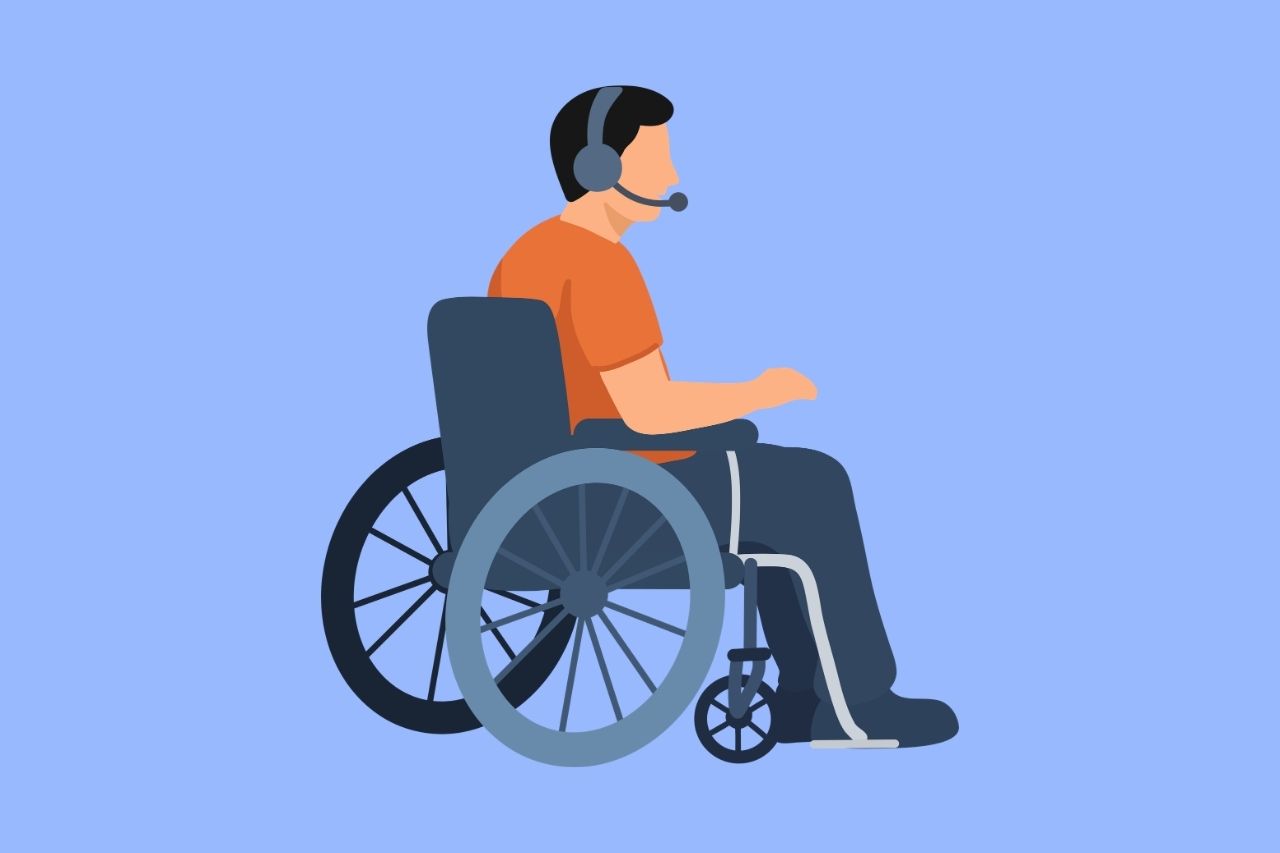
Temporary limitations change how a person uses a site without changing what they need to do. The task stays the same, but the effort required goes up.
Why Temporary Users Depend on Default Design
A person with a permanent disability usually has tools configured and workarounds learned over years. Someone with a recovering injury or a few hours of blurred vision has neither. They use the device as it came, and they have no time to learn new settings. That means the site’s defaults, such as target sizes, layout, and form behavior, decide whether they finish the task.
The Curb Cut Effect Online
Curb cuts were designed for wheelchair users, yet parents with strollers and travelers with luggage use them every day. Accessible web features work the same way. A form that saves progress or a layout that adapts to any screen helps users with permanent disabilities, and it also helps anyone who is injured, interrupted, or in a hurry.
Common Accessibility Barriers on Websites
These barriers show up most often when a user is limited for a short time. Each one has a WCAG success criterion behind it.
Forms That Cannot Survive an Interruption
Someone recovering from an injury or caring for a child gets interrupted constantly. A form that times out or clears itself after a few minutes erases all their effort. WCAG 2.2.1 Timing Adjustable (Level A) requires that users can turn off, adjust, or extend time limits. Saving progress and warning users before a session expires prevents the loss.
Autoplay Audio and Moving Content
Video that starts with sound, carousels that keep moving, and animated banners all compete for attention. Video accessibility includes giving users control over playback, because for someone struggling to concentrate during recovery, that motion and noise can make a page hard to use. WCAG 1.4.2 Audio Control and 2.2.2 Pause, Stop, Hide (both Level A) require controls for sound and motion that start automatically.
Gesture-Heavy and Orientation-Locked Mobile Interfaces
Pinch, swipe, and multi-finger gestures assume two free hands and steady control. A user holding a child in one arm cannot perform them. WCAG 2.5.1 Pointer Gestures (Level A) requires a single-pointer alternative. Layouts that only work in one orientation also fail users whose phone sits propped on a stand, which WCAG 1.3.4 Orientation (Level AA) addresses.
Dense Layouts That Break Under Zoom
After an eye exam, vision can stay blurry and light-sensitive for hours, so people zoom in. Pages that hide content, overlap text, or force horizontal scrolling at high magnification become unusable. WCAG 1.4.10 Reflow (Level AA) requires content to fit a narrow viewport, equivalent to zooming to 400%, without losing information or function.
Repeated Data Entry and Error-Prone Forms
Typing is tiring when energy or dexterity is limited. Forms that ask for the same details twice, or that give no chance to review before submitting, multiply both the effort and the mistakes. WCAG 3.3.7 Redundant Entry (Level A, new in WCAG 2.2) and 3.3.4 Error Prevention (Level AA) call for reusing entered information and for letting users review, correct, or reverse important submissions.
Audio-Only Features in Noisy Settings
Voice prompts, spoken confirmations, and sound-only alerts fail on a loud train, in a busy waiting room, or anywhere a user cannot turn the volume up. WCAG 1.3.3 Sensory Characteristics (Level A) says instructions cannot rely on sound alone. The same principle applies to confirmations and alerts: give every audio cue a visible or text equivalent.
Scripted Scenario Checks
Automated scans miss most of these problems. These five checks each have a fixed pass condition, so anyone on your team can run them.
- Complete a checkout one-handed on a phone. Pass: the purchase finishes without a two-handed gesture or a missed tap.
- Zoom to 400%. Pass: no horizontal scrolling, overlapping text, or lost content.
- Mute the device and try to finish a task. Pass: every step completes, and no information depends on sound.
- Interrupt a form halfway and return after ten minutes. Pass: entries are saved, or the session can be extended.
- Rotate the screen. Pass: content and functions work in both orientations.
A manual website accessibility audit runs these checks, and many more, across your key pages.
Temporary Limitations Across Common Website Tasks
The same barriers look different depending on the task. These five flows cause the most trouble.
Checking Out and Paying
Checkout combines small fields, card details, and multiple steps. Large targets, clear error messages, and the option to review an order before paying keep a limited user from abandoning a purchase or paying twice.
Logging In and Account Recovery
Typing a complex password or solving a puzzle is hard when attention is reduced. WCAG 3.3.8 Accessible Authentication (Minimum) (Level AA) requires login that does not depend on a cognitive test, which means supporting paste and autofill. Our WCAG 2.2 article covers the criterion in detail.
Booking an Appointment
Date pickers, time slots, and confirmation steps often rely on precise taps and tight timing. Calendars that work with simple taps, and confirmations that stay on screen, make booking possible with limited dexterity.
Completing a Long Application
Long applications are where interruptions hurt most. Job applications, benefit claims, and enrollment forms can run for many steps, and a person who is recovering or caring for someone else rarely gets through them in one sitting. Accessible forms account for this with save and resume, a visible progress indicator, and reuse of entered details, so users can finish across several sittings without starting over. Each of these also reduces the mental load of remembering what has already been completed, which matters most when concentration is limited.
Reaching Customer Support
Phone-only support fails users who cannot talk, hear, or hold a call. A chat or form alternative, placed consistently across pages as WCAG 3.2.6 Consistent Help (Level A) requires, gives them a way to ask for help.
Temporary Limitations by Industry
Temporary limitations show up differently in each sector, and each sector has its own compliance context.
Healthcare Portals Used During Recovery
Patients often use portals while recovering, on a phone, and with limited energy. Healthcare website accessibility means making sure booking, refills, and messaging work with one hand and in short sessions. The HHS Section 504 rule requires WCAG 2.1 AA for organizations receiving HHS funding.
Education Platforms and Students With Injuries
A student with an injury still has to submit assignments, take timed quizzes, and use course platforms. Education website accessibility includes adjustable time limits, saved drafts, and reflowing layouts, which keep coursework achievable. Public schools and universities fall under ADA Title II, and federally funded institutions also fall under Section 504.
E-commerce Checkout on the Go
Shoppers browse on phones while commuting, carrying bags, or holding children. E-commerce website accessibility means easy-to-tap targets, autofill support, and a checkout that survives interruptions, which keep a purchase from stalling. ADA Title III has no codified standard, but WCAG 2.1 AA is the benchmark most often cited in settlements.
Government Forms Completed Under Deadline
People file benefit claims, permits, and tax forms under deadline pressure, often while dealing with an injury or illness. Government website accessibility is a legal requirement here, since state and local governments must meet WCAG 2.1 AA under the ADA Title II rule. Forms that save progress and allow extra time help residents finish before a due date.
FAQ
What is the curb cut effect in web accessibility?
The curb cut effect describes how features designed for people with disabilities end up benefiting everyone. In web design, examples include resizable layouts, saved form progress, and clear error messages, which help permanent, temporary, and situational users alike.
Does WCAG cover temporary disabilities?
WCAG does not separate permanent from temporary limitations. Its success criteria address how people perceive, operate, and understand content, so a site that meets WCAG 2.1 or 2.2 Level AA supports most temporary-use scenarios.
How should a website handle session timeouts accessibly?
WCAG 2.2.1 Timing Adjustable requires that users can turn off, adjust, or extend time limits, with exceptions such as real-time events. A site should warn users before a session expires, offer a simple way to extend it, and keep the data they have already entered.
Can automated scans detect barriers that affect temporary users?
Automated scans catch only a portion of issues. They cannot tell whether a form survives an interruption, whether a layout works in both orientations, or whether gestures have alternatives. Those barriers need manual review.
Do people with temporary limitations use assistive technology?
Some do, but most rely on features already built into their devices, such as voice dictation, zoom, and text-to-speech, because they have no time to set up specialized tools. Sites need to work with those built-in features.

Contact Us
Please complete all fields.
Recent Posts
ADA Guidelines for Color Blindness: How to Make Your Website Accessible
Color helps websites look polished, guide attention and communicate meaning. But for millions of people with color vision deficiency, color alone can hide important information. A red error message, a green “in stock” label or a link that differs from body text only by hue may be invisible to them. […]

Website Accessibility for Dyslexia, ADHD, and Memory Differences
Dyslexia, ADHD, and memory differences change how people experience a website, and each one does it differently. Every page makes four demands of its visitors: reading the text, holding attention, remembering what came before, and keeping up with the pace. When a site asks too much on any of them, […]
UK Accessibility Law and Website Accessibility Compliance
UK website accessibility law works through two main pieces of legislation, and they apply to different organisations in different ways. The Equality Act 2010 sets a general duty for both public and private sector service providers. The Public Sector Bodies (Websites and Mobile Applications) Accessibility Regulations 2018 adds a stricter, […]